Developer's Guide to API Automation with LikeDo
Learn how to automate short link creation, email management, and file uploads using LikeDo's REST API. Complete guide with code examples in Python, JavaScript, and cURL.
As a developer, manually creating short links, managing temporary emails, or uploading files through a web interface is a productivity killer. That's where API automation comes in.
LikeDo provides a comprehensive REST API that allows you to integrate link management, email services, and file storage directly into your applications, CI/CD pipelines, and automation workflows.
This guide will show you how to automate common tasks using LikeDo's API with practical code examples.
Getting Your API Key
Before you can use the API, you need to generate an API key:
- Log in to your LikeDo dashboard
- Navigate to Settings → API Keys
- Click Generate New API Key
- Copy and securely store your key
Security Best Practice: Store API keys in environment variables, never hardcode them in your source code.
# .env file
LIKEDO_API_KEY=your_api_key_here
API Authentication
All API requests require authentication using your API key in the Authorization header:
Authorization: Bearer YOUR_API_KEYUse Case 1: Automated Short Link Creation
Scenario
You're building a SaaS application that generates product pages dynamically. You want to create branded short links automatically for each new product.
Python Example
import requests
import os

API_KEY = os.getenv('LIKEDO_API_KEY')
BASE_URL = 'https://api.like.do/v1'

def create_short_link(destination_url, custom_slug=None, domain=None):
    """Create a short link via LikeDo API"""

    headers = {
        'Authorization': f'Bearer {API_KEY}',
        'Content-Type': 'application/json'
    }

    payload = {
        'url': destination_url,
        'slug': custom_slug,
        'domain': domain,
        'tags': ['auto-generated', 'product'],
        'expiresAt': None  # Optional expiration
    }

    response = requests.post(
        f'{BASE_URL}/links',
        headers=headers,
        json=payload
    )

    if response.status_code == 201:
        data = response.json()
        return data['shortUrl']
    else:
        raise Exception(f"API Error: {response.text}")

# Example usage
product_url = "https://mystore.com/products/awesome-widget-2026"
short_link = create_short_link(
    destination_url=product_url,
    custom_slug="widget-2026",
    domain="go.mystore.com"
)

print(f"Short link created: {short_link}")
# Output: https://go.mystore.com/widget-2026
JavaScript/Node.js Example
const axios = require('axios');

const API_KEY = process.env.LIKEDO_API_KEY;
const BASE_URL = 'https://api.like.do/v1';

async function createShortLink(destinationUrl, customSlug = null, domain = null) {
  try {
    const response = await axios.post(
      `${BASE_URL}/links`,
      {
        url: destinationUrl,
        slug: customSlug,
        domain: domain,
        tags: ['auto-generated', 'product']
      },
      {
        headers: {
          'Authorization': `Bearer ${API_KEY}`,
          'Content-Type': 'application/json'
        }
      }
    );

    return response.data.shortUrl;
  } catch (error) {
    console.error('API Error:', error.response?.data || error.message);
    throw error;
  }
}

// Example usage
(async () => {
  const shortLink = await createShortLink(
    'https://mystore.com/products/awesome-widget-2026',
    'widget-2026',
    'go.mystore.com'
  );

  console.log(`Short link created: ${shortLink}`);
})();
cURL Example
curl -X POST https://api.like.do/v1/links \
  -H "Authorization: Bearer YOUR_API_KEY" \
  -H "Content-Type: application/json" \
  -d '{
    "url": "https://mystore.com/products/awesome-widget-2026",
    "slug": "widget-2026",
    "domain": "go.mystore.com",
    "tags": ["auto-generated", "product"]
  }'
Use Case 2: Bulk Link Creation from CSV
Scenario
You have a CSV file with 1,000 product URLs and want to generate short links for all of them.
Python Script
import csv
import requests
import time
from typing import List, Dict

API_KEY = os.getenv('LIKEDO_API_KEY')
BASE_URL = 'https://api.like.do/v1'

def create_bulk_links(csv_file: str) -> List[Dict]:
    """Create short links from CSV file"""

    results = []

    with open(csv_file, 'r') as file:
        reader = csv.DictReader(file)

        for row in reader:
            try:
                headers = {
                    'Authorization': f'Bearer {API_KEY}',
                    'Content-Type': 'application/json'
                }

                payload = {
                    'url': row['url'],
                    'slug': row.get('slug'),
                    'domain': row.get('domain', 'go.mystore.com')
                }

                response = requests.post(
                    f'{BASE_URL}/links',
                    headers=headers,
                    json=payload
                )

                if response.status_code == 201:
                    data = response.json()
                    results.append({
                        'original': row['url'],
                        'short': data['shortUrl'],
                        'status': 'success'
                    })
                else:
                    results.append({
                        'original': row['url'],
                        'error': response.text,
                        'status': 'failed'
                    })

                # Rate limiting: 10 requests per second
                time.sleep(0.1)

            except Exception as e:
                results.append({
                    'original': row['url'],
                    'error': str(e),
                    'status': 'failed'
                })

    return results

# Example CSV format:
# url,slug,domain
# https://example.com/product1,prod1,go.mystore.com
# https://example.com/product2,prod2,go.mystore.com

results = create_bulk_links('products.csv')

# Export results
with open('short_links_output.csv', 'w', newline='') as file:
    writer = csv.DictWriter(file, fieldnames=['original', 'short', 'status', 'error'])
    writer.writeheader()
    writer.writerows(results)

print(f"Processed {len(results)} links")
print(f"Successful: {sum(1 for r in results if r['status'] == 'success')}")
print(f"Failed: {sum(1 for r in results if r['status'] == 'failed')}")
Use Case 3: Automated Email Creation for User Onboarding
Scenario
When a new user signs up, automatically create a temporary email for them to receive onboarding materials without exposing their real email.
Python Example
import requests
import hashlib
import os

API_KEY = os.getenv('LIKEDO_API_KEY')
BASE_URL = 'https://api.like.do/v1'

def create_temp_email(user_id: str, domain: str = 'onboard.myapp.com') -> dict:
    """Create temporary email for user onboarding"""

    # Generate unique email based on user ID
    email_hash = hashlib.md5(user_id.encode()).hexdigest()[:8]
    temp_email = f"onboard-{email_hash}@{domain}"

    headers = {
        'Authorization': f'Bearer {API_KEY}',
        'Content-Type': 'application/json'
    }

    payload = {
        'email': temp_email,
        'expiresIn': 7,  # Expires in 7 days
        'forwardTo': None,  # Don't forward, just receive
        'tags': ['onboarding', f'user-{user_id}']
    }

    response = requests.post(
        f'{BASE_URL}/emails',
        headers=headers,
        json=payload
    )

    if response.status_code == 201:
        return response.json()
    else:
        raise Exception(f"API Error: {response.text}")

# Example: User signs up
new_user_id = "usr_12345"
temp_email_data = create_temp_email(new_user_id)

print(f"Temporary email created: {temp_email_data['email']}")
print(f"Expires at: {temp_email_data['expiresAt']}")

# Send this email to the user for receiving onboarding materials
Use Case 4: File Upload and Distribution Automation
Scenario
You generate daily reports and want to upload them automatically, then share download links with your team.
Python Example
import requests
import os
from datetime import datetime

API_KEY = os.getenv('LIKEDO_API_KEY')
BASE_URL = 'https://api.like.do/v1'

def upload_file_and_get_link(file_path: str, password: str = None, expires_in_days: int = 7) -> dict:
    """Upload file and get shareable download link"""

    headers = {
        'Authorization': f'Bearer {API_KEY}'
    }

    # Prepare file upload
    with open(file_path, 'rb') as file:
        files = {
            'file': (os.path.basename(file_path), file)
        }

        data = {
            'password': password,
            'expiresIn': expires_in_days,
            'maxDownloads': None  # Unlimited downloads
        }

        response = requests.post(
            f'{BASE_URL}/files',
            headers=headers,
            files=files,
            data=data
        )

    if response.status_code == 201:
        return response.json()
    else:
        raise Exception(f"API Error: {response.text}")

# Example: Upload daily report
report_date = datetime.now().strftime('%Y-%m-%d')
report_path = f'reports/daily-report-{report_date}.pdf'

upload_result = upload_file_and_get_link(
    file_path=report_path,
    password='team2026',
    expires_in_days=7
)

print(f"File uploaded: {upload_result['downloadUrl']}")
print(f"Password: team2026")
print(f"Expires: {upload_result['expiresAt']}")

# Automatically send download link to team via Slack/Email
Use Case 5: Analytics Retrieval and Reporting
Scenario
Pull click analytics for all your links and generate weekly reports.
Python Example
import requests
import pandas as pd
from datetime import datetime, timedelta

API_KEY = os.getenv('LIKEDO_API_KEY')
BASE_URL = 'https://api.like.do/v1'

def get_link_analytics(link_id: str, start_date: str, end_date: str) -> dict:
    """Retrieve analytics for a specific link"""

    headers = {
        'Authorization': f'Bearer {API_KEY}'
    }

    params = {
        'startDate': start_date,
        'endDate': end_date
    }

    response = requests.get(
        f'{BASE_URL}/links/{link_id}/analytics',
        headers=headers,
        params=params
    )

    if response.status_code == 200:
        return response.json()
    else:
        raise Exception(f"API Error: {response.text}")

def generate_weekly_report():
    """Generate weekly analytics report for all links"""

    # Get date range for last 7 days
    end_date = datetime.now()
    start_date = end_date - timedelta(days=7)

    # Get all links
    headers = {'Authorization': f'Bearer {API_KEY}'}
    links_response = requests.get(f'{BASE_URL}/links', headers=headers)
    links = links_response.json()['data']

    # Collect analytics for each link
    report_data = []

    for link in links:
        analytics = get_link_analytics(
            link['id'],
            start_date.isoformat(),
            end_date.isoformat()
        )

        report_data.append({
            'Short URL': link['shortUrl'],
            'Destination': link['url'],
            'Clicks': analytics['totalClicks'],
            'Unique Visitors': analytics['uniqueVisitors'],
            'Top Country': analytics['topCountry'],
            'Top Referrer': analytics['topReferrer']
        })

    # Create DataFrame and export to CSV
    df = pd.DataFrame(report_data)
    df.to_csv(f'weekly-report-{end_date.strftime("%Y-%m-%d")}.csv', index=False)

    print(f"Weekly report generated with {len(report_data)} links")
    print(f"Total clicks: {df['Clicks'].sum()}")

generate_weekly_report()
Advanced Automation: CI/CD Integration
GitHub Actions Example
Automatically create short links when deploying new features:
name: Deploy and Create Short Link

on:
  push:
    branches: [ main ]

jobs:
  deploy:
    runs-on: ubuntu-latest

    steps:
      - uses: actions/checkout@v2

      - name: Deploy to production
        run: |
          # Your deployment script
          ./deploy.sh

      - name: Create short link for new feature
        env:
          LIKEDO_API_KEY: ${{ secrets.LIKEDO_API_KEY }}
        run: |
          curl -X POST https://api.like.do/v1/links \
            -H "Authorization: Bearer $LIKEDO_API_KEY" \
            -H "Content-Type: application/json" \
            -d '{
              "url": "https://myapp.com/new-feature",
              "slug": "new-feature-'$(date +%Y%m%d)'",
              "domain": "go.myapp.com"
            }'
Error Handling Best Practices
Always implement proper error handling:
import requests
from requests.exceptions import RequestException
import time

def api_call_with_retry(url, headers, payload, max_retries=3):
    """Make API call with exponential backoff retry"""

    for attempt in range(max_retries):
        try:
            response = requests.post(url, headers=headers, json=payload, timeout=10)

            if response.status_code == 201:
                return response.json()
            elif response.status_code == 429:  # Rate limit
                retry_after = int(response.headers.get('Retry-After', 60))
                print(f"Rate limited. Retrying after {retry_after} seconds...")
                time.sleep(retry_after)
            elif response.status_code >= 500:  # Server error
                print(f"Server error. Retrying (attempt {attempt + 1}/{max_retries})...")
                time.sleep(2 ** attempt)  # Exponential backoff
            else:
                raise Exception(f"API Error {response.status_code}: {response.text}")

        except RequestException as e:
            if attempt == max_retries - 1:
                raise
            print(f"Request failed: {e}. Retrying...")
            time.sleep(2 ** attempt)

    raise Exception("Max retries exceeded")
Rate Limits
LikeDo API has the following rate limits:
- Free tier: 100 requests/hour
- Pro tier: 1,000 requests/hour
- Lifetime tier: 5,000 requests/hour
Implement rate limiting in your code:
import time
from collections import deque

class RateLimiter:
    def __init__(self, max_calls, period):
        self.max_calls = max_calls
        self.period = period
        self.calls = deque()

    def __call__(self, func):
        def wrapper(*args, **kwargs):
            now = time.time()

            # Remove old calls outside the period
            while self.calls and self.calls[0] < now - self.period:
                self.calls.popleft()

            # Wait if limit reached
            if len(self.calls) >= self.max_calls:
                sleep_time = self.period - (now - self.calls[0])
                if sleep_time > 0:
                    time.sleep(sleep_time)
                self.calls.popleft()

            self.calls.append(now)
            return func(*args, **kwargs)

        return wrapper

# Usage
@RateLimiter(max_calls=100, period=3600)  # 100 calls per hour
def create_link(url):
    # API call here
    pass
Conclusion
LikeDo's API opens up endless automation possibilities:
- Integrate link creation into your application workflows
- Automate email management for testing and privacy
- Build custom analytics dashboards
- Create CI/CD pipelines with automatic link generation
The examples in this guide provide a solid foundation for building your own automation workflows.
Ready to automate your workflow?
Stop clicking. Start automating.
Author

Categories
More Posts
Link Analytics Complete Guide - Track, Measure, and Optimize Performance
Master link analytics with this comprehensive guide. Learn how to track clicks, analyze traffic sources, measure ROI, and optimize your marketing campaigns.
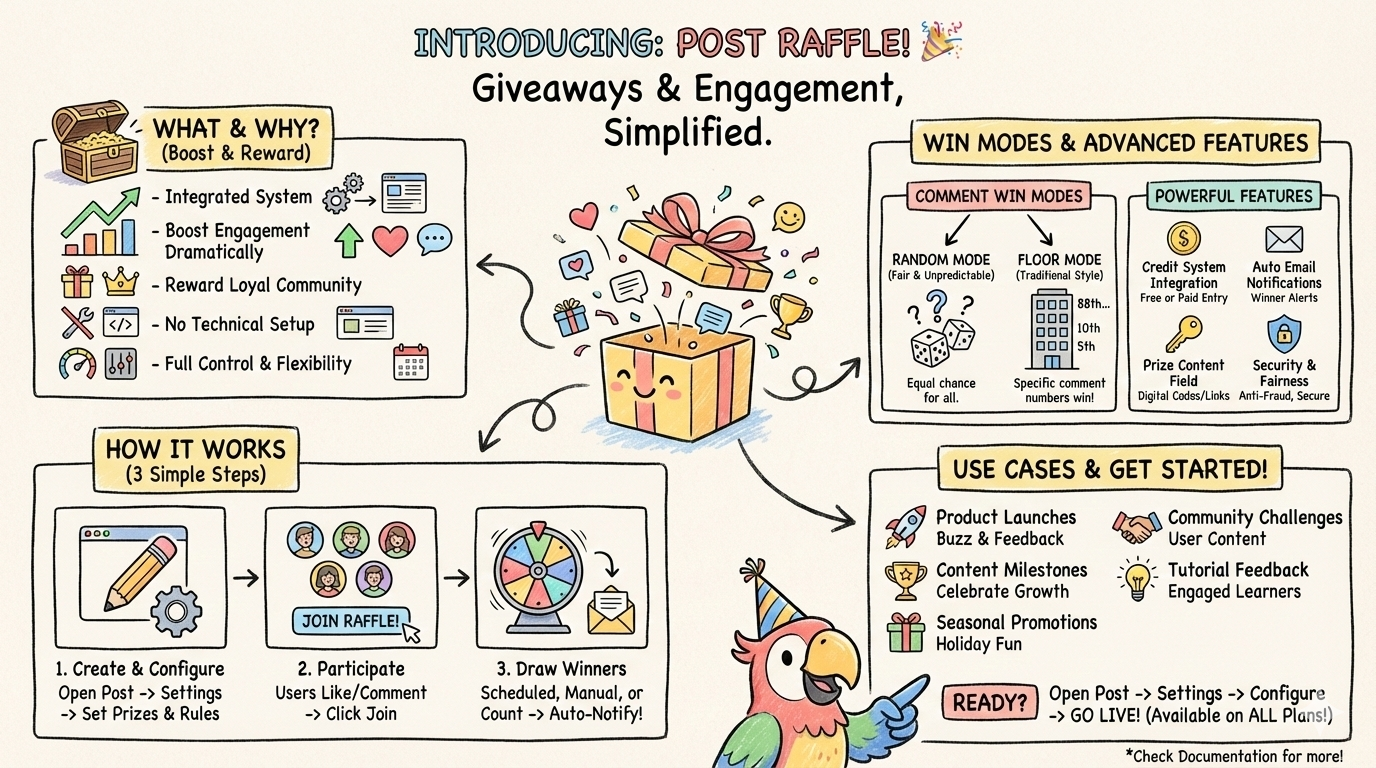
Introducing Post Raffle - Boost Engagement and Reward Your Readers
Create interactive raffles directly within your posts to increase engagement, reward loyal readers, and build a thriving community around your content.
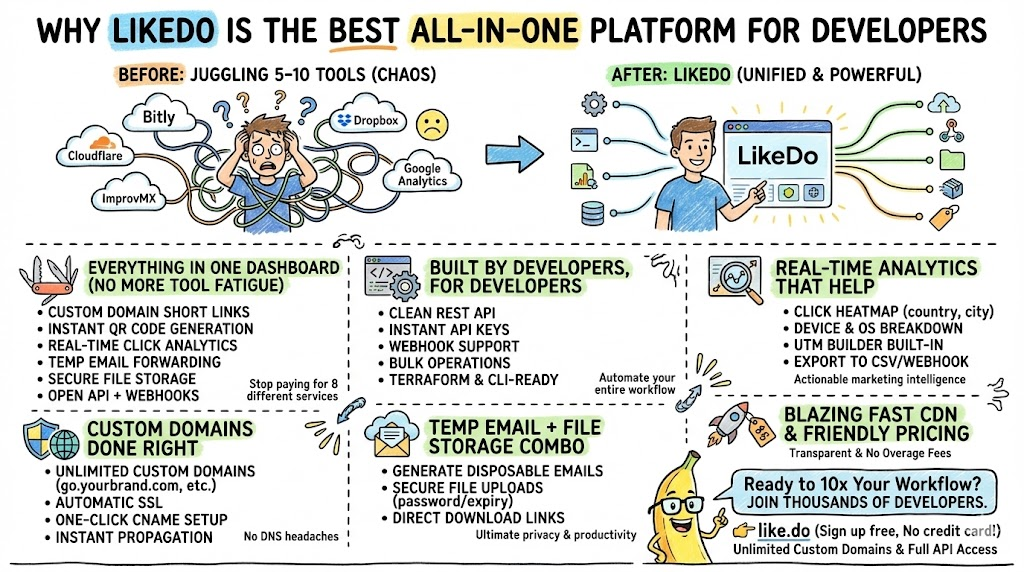
Why LikeDo Is the Best All-in-One Platform for Developers
Discover why thousands of developers are switching to LikeDo as their ultimate all-in-one solution for short links, custom domains, temporary email, file storage, QR codes, and powerful analytics.
Newsletter
Join the community
Subscribe to our newsletter for the latest news and updates