2025/11/06
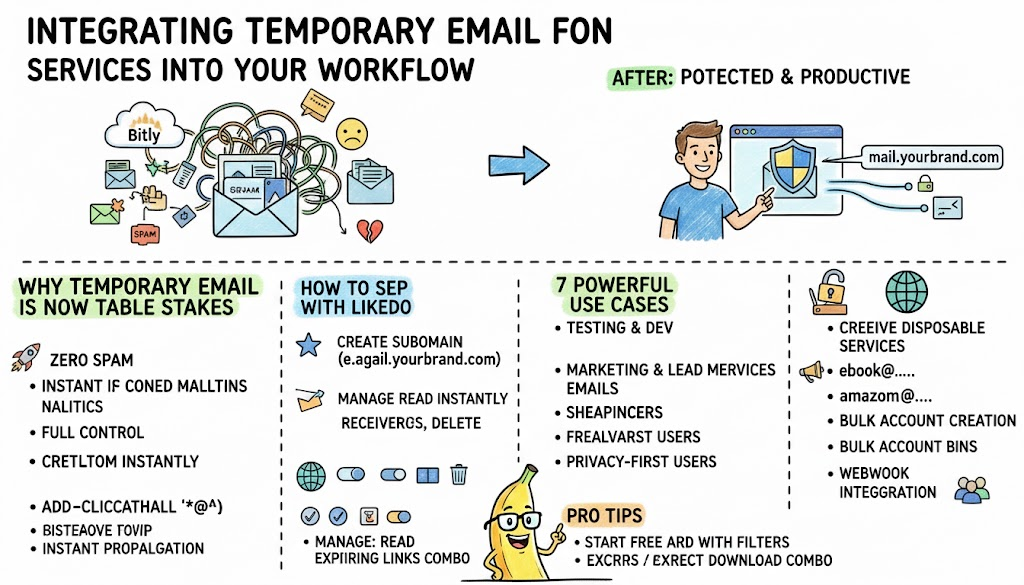
把域名邮箱无缝融入日常工作流
开发者、营销人、隐私党都在用自有域名临时邮箱转发,彻底告别垃圾邮件,主邮箱永远干干净净。
2026 年,谁还在用个人主邮箱去注册各种网站、领优惠券、填问卷? 聪明人都用 自定义域名临时邮箱 了——既专业,又安全,还能无限生成。
LikeDo 让你 2 分钟就能拥有 xxx@你的域名.com 的专属临时邮箱系统。
一键开启自有域名临时邮箱(超简单)
- 在 LikeDo 添加你的自定义域名
- 开启「通配符」或指定子域名(如 mail.你的域名.com)
- 从此任何发往
随便什么@mail.你的域名.com的邮件,都会秒达你的 LikeDo 收件箱 - 随时查看、回复(可选转发到真实邮箱)、或一键永久删除
7 个真实场景,每天帮你省几小时
-
开发测试
test123@mail.你的域名.com→ 测试账号永不混淆 -
领优惠券/注册网站
taobao@mail.你的域名.com、netflix@mail.你的域名.com→ 开始收垃圾邮件就直接删掉这个前缀 -
内容分发
ebook@mail.你的域名.com→ 精准统计到底有多少人真的下载了你的电子书 -
自由职业者/代理商 给每个客户一个专属邮箱
客户名@mail.你的域名.com -
极致隐私党 从此再也不暴露真实邮箱
-
批量注册账号 通过 LikeDo API 自动生成唯一邮箱
-
Webhook 实时提醒 临时邮箱收到新邮件时,立即推送到 Slack/飞书/企业微信
进阶技巧
- 开通
@mail.你的域名.com通配符 → 无限邮箱地址 - 重要邮件自动转发到真实邮箱(支持过滤规则)
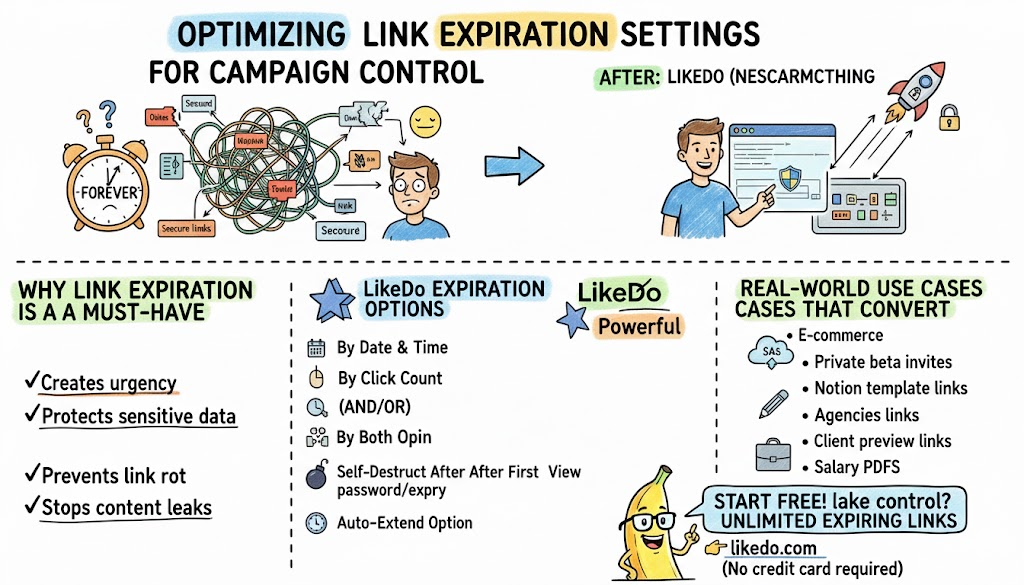
- 配合过期短链接,实现“打开即销毁”的超级安全文件传递
- 所有邮件加密存储,永不贩卖
2026 年,主邮箱只留给最重要的人。 其他所有场景,交给 LikeDo 临时邮箱。
免费、无限量、永久有效 → 立即开启:https://like.do

更多文章
邮件列表
加入我们的社区
订阅邮件列表,及时获取最新消息和更新